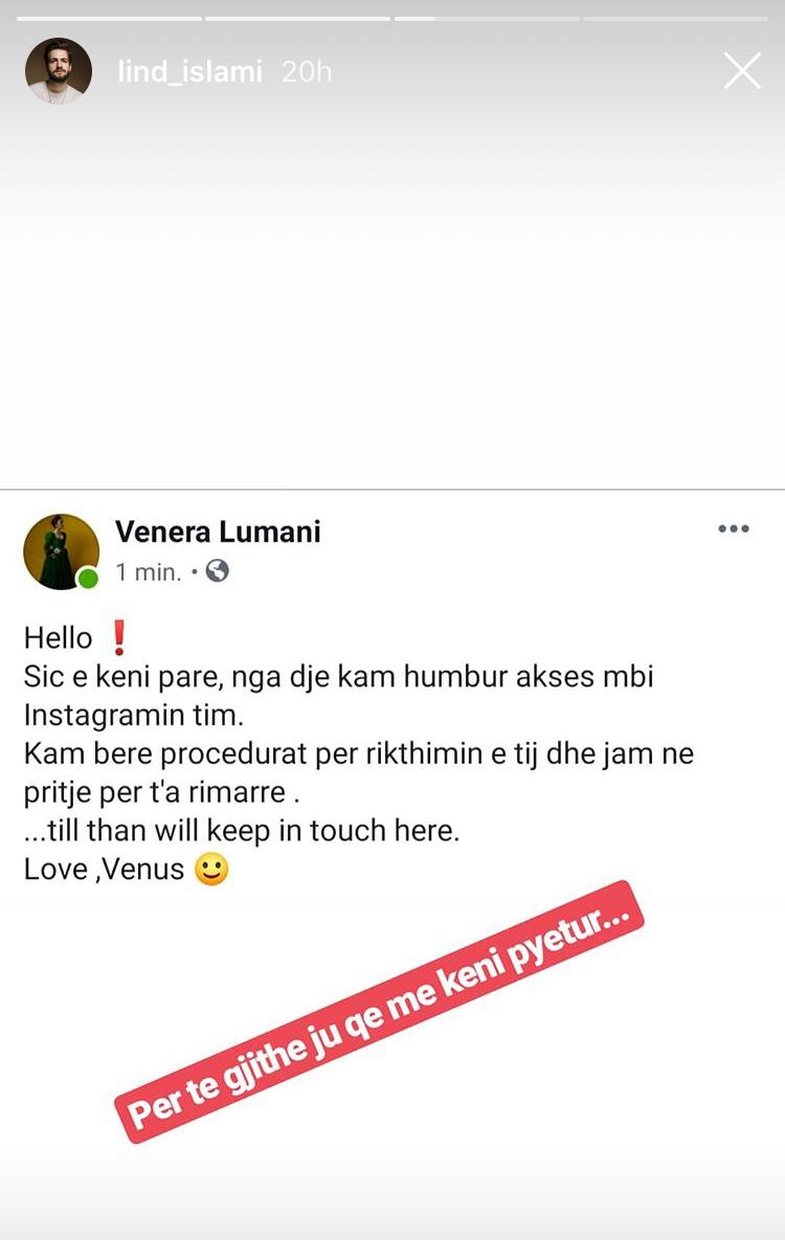
Facebook, owned by Facebook, a privacy- not-appreciated platform, is not one of the most difficult social networks to steal. For example, recently the personal accounts of Juliana Pasha and Venera Luman were stolen and for the moment the singers cannot use their accounts.

To prevent your account from being stolen, follow the steps below.
# 1: Enter a hard password
Code is the key element to protecting your account. Online security experts recommend that you use a code with at least eight characters where you can combine letters and numbers. Also, change your password at least twice a year.
# 2: Enable ?Two-Factor Authentication? (go to Settings> Security> Two-Factor Authentication)
When you enable the Two-Factor Authentication option, you receive an SMS on the phone with a security code in case Instagram opens on a previously unknown device. Such an option can help you to understand that someone else is trying to access your account and so you can change your security information (email, password, contact numbers).
# 3: Make sure your email address is secure and active
If someone steals your email address, the chances of having access to your social networks are high. So make sure the email is secure.
# 4: Check out ?Third-Party Apps?
"Third-Party Apps" refers to suspicious apps that basically do not comply with the Instagram regulations. To manage such applications, open Instagram on your desktop, click Settings and then "Authorized Apps".
# 5: Extra Tips
a) Make sure you do not click "Remeber Me" when opening Instagram somewhere else, as the account will not be closed anymore.
b) Don't click on links that send you strangers or suspicious addresses as they are used to steal your data.